
Turn the posting you have open into an application, in one click
The e-kariyerim Chrome extension turns a job posting into a tracked application with one click — just press "I Applied". LinkedIn and kariyer.net work the moment it is installed; for Greenhouse, Lever, Ashby, Workday, Workable, SmartRecruiters and any company's own careers page it asks to read that one site first, and works there the same way for as long as you allow it.
Installation
The e-kariyerim extension is live on the Chrome Web Store — one-click install, no developer mode needed.
Open in Chrome Web Store- 1
Add the extension to Chrome from the link above
Click "Add to Chrome" on the Chrome Web Store page. The extension icon appears in your toolbar.
- 2
Click the extension icon and press "Connect"
Sign in (or create an account) on the confirmation page that opens and confirm the code — there is no key to copy.
Alternative: unpacked install (developer/testing only)
If you can't use the Store version — for example, you're testing an unreleased development build — you can also load the extension manually:
- 1
Open chrome://extensions
Just type it into the address bar and press Enter.
- 2
Turn on "Developer mode"
Found in the top right of the page.
- 3
Click "Load unpacked" and select the extension folder
The extension icon appears in your toolbar.
Configuration
- 1
Click the e-kariyerim icon in your toolbar
- 2
Click "Connect"
The extension produces a pairing code and opens the confirmation page in a new tab. If you are not signed in yet, you can do that there — the code is not lost.
- 3
Check the code matches, then confirm
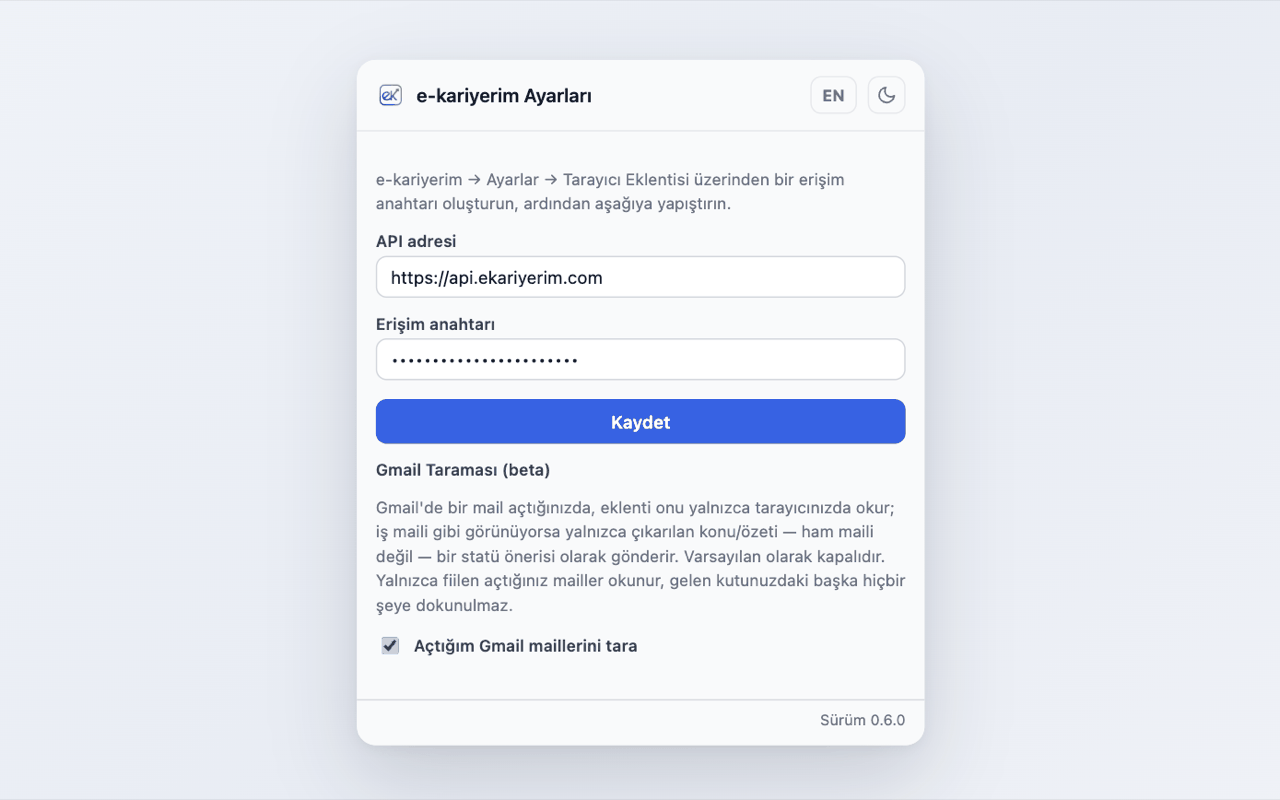
The code on the page must match the one the extension is showing. Once you confirm, the extension connects within a few seconds. The connection is valid for 90 days; the extension warns you before it lapses, and renewing it is the same "Connect" button. If you point the extension at a different API address, entering a key by hand is still available under "advanced" in its settings.
Using it
- 1
Open a job posting page
LinkedIn and kariyer.net work straight away. Anywhere else the extension shows an "Allow" button; Chrome asks you to confirm that one site, and never asks again.
- 2
Click the extension icon
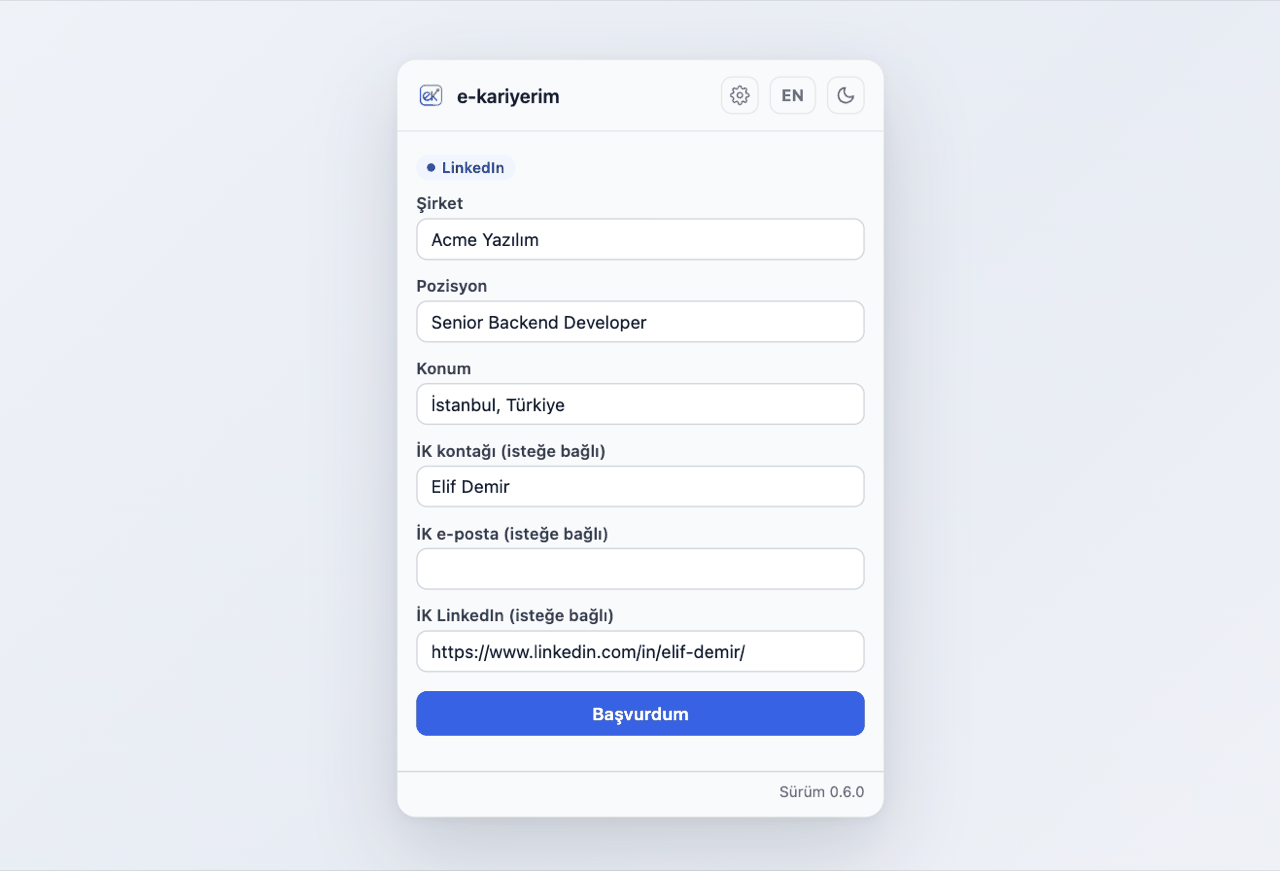
It tries to auto-fill the company, title, and location from the page.
- 3
Check the fields and correct anything that's off
Auto-fill isn't always perfect — every field is editable before you submit.
- 4
Click "I Applied"
Your application is saved to e-kariyerim.
Gmail Scanning
If you turn on Gmail Scanning on the extension's settings page, emails you open in Gmail that look like hiring correspondence (an interview invitation, a rejection, an offer) are recognised, and only the sender, subject, a short snippet and the date are sent to e-kariyerim — never the whole email. It ships off; until you turn it on, the extension never touches Gmail.
Every recognised email becomes a card on the Suggestions page, where you decide what to do with it. The details are on the Suggestions help page.
Auto-fill is best-effort
Clicking the same job again is safe
Not applied yet? "Apply later"
The sites you allow stay yours