
Getting Started
Signing Up and Logging In
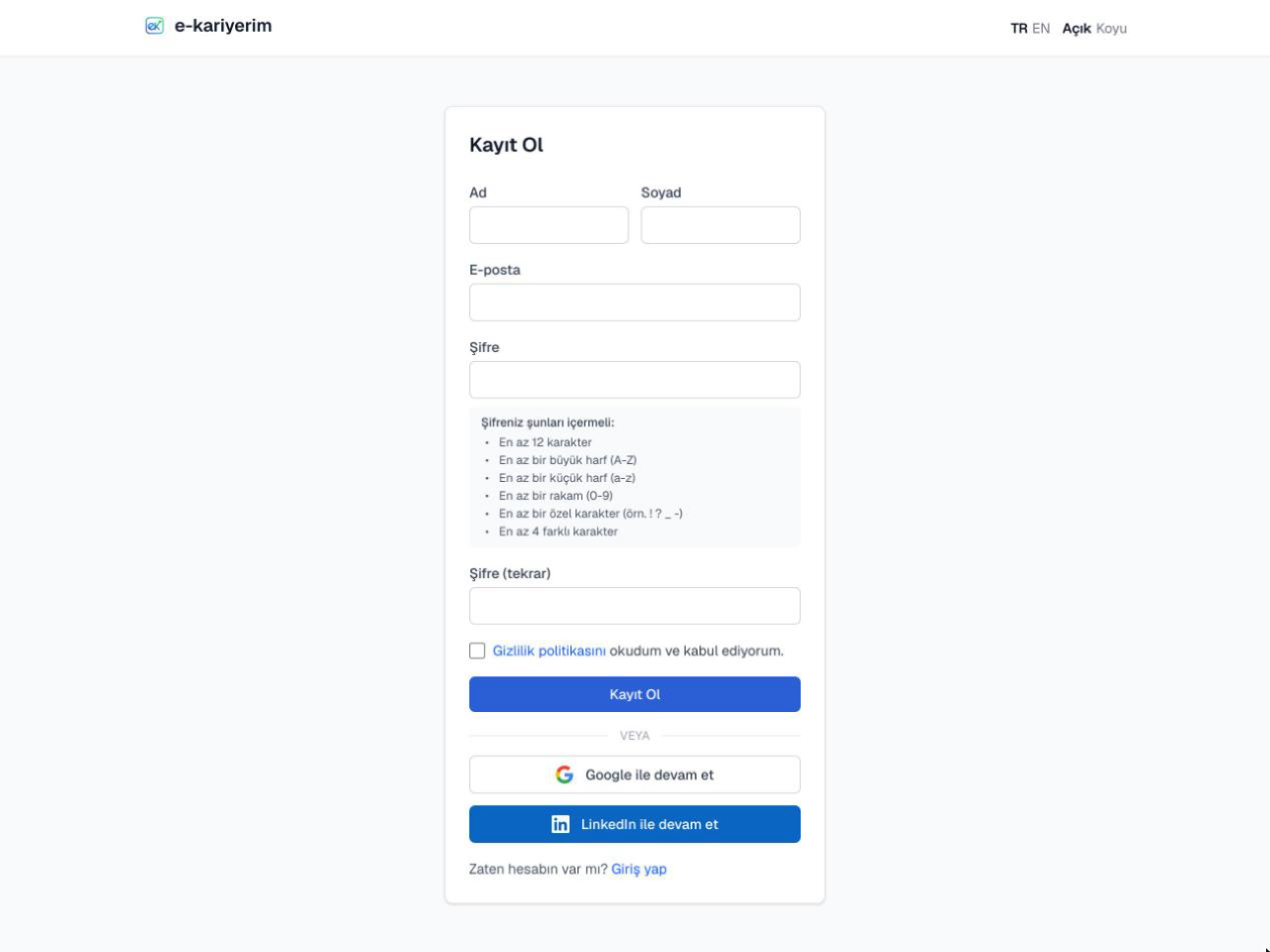
Getting started with e-kariyerim only takes a few details — no credit card, no waiting on a confirmation email.
Sign up
- 1
Enter your first and last name
Used to identify you throughout the app (e.g. the name shown on the dashboard and in the NavBar).
- 2
Choose an email and password
These become your login credentials.
- 3
Accept the Privacy Policy
The account can't be created without checking the consent box under the sign-up form.
- 4
Submit
You're taken straight to the Dashboard — no email verification to wait for.
Log in
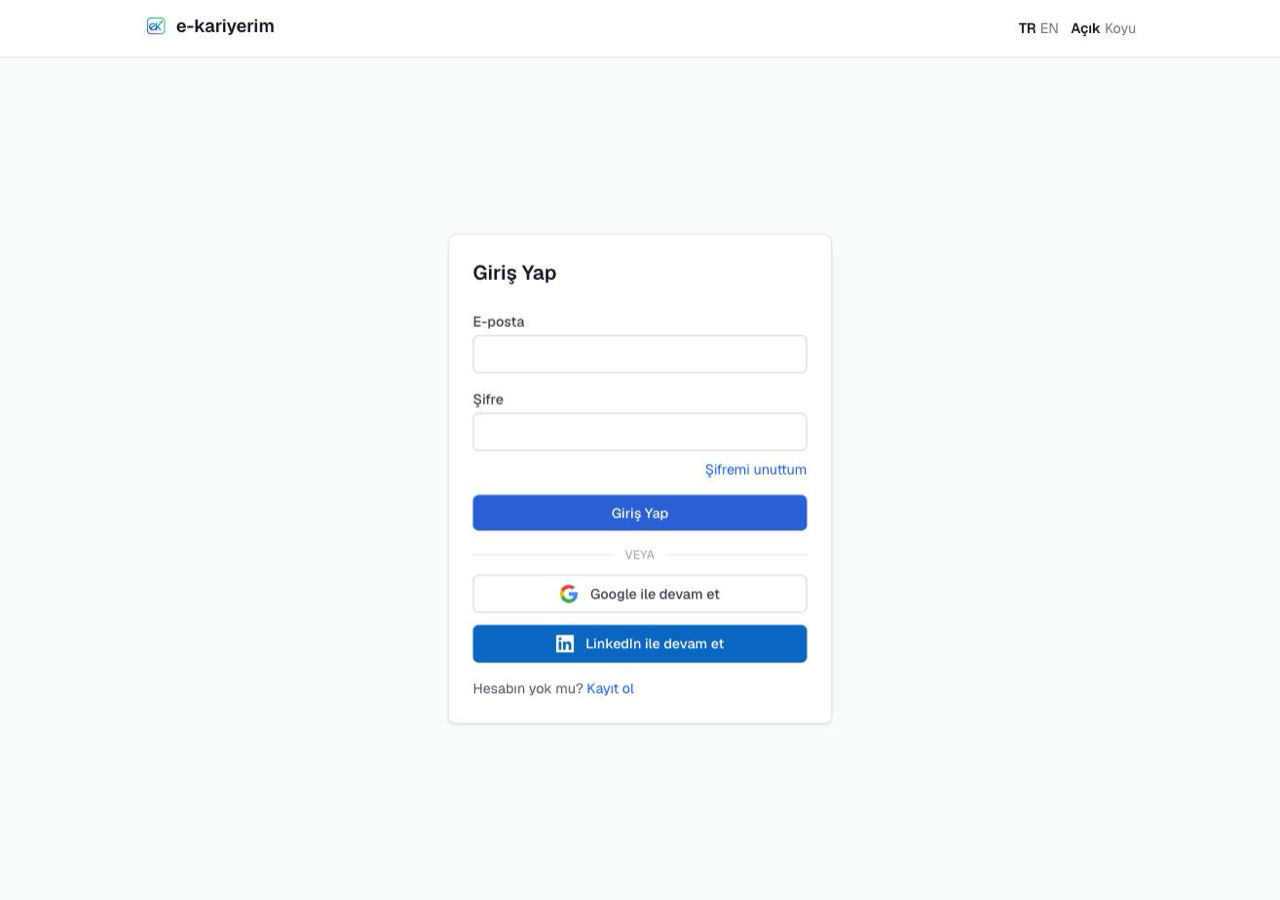
Log in with the email and password you registered with. On login, your last saved theme (light/dark) and language preference are applied automatically.
Note
Your dark-mode preference carries over at sign-up
If you switched to dark mode in your browser before signing up, your new account opens in dark mode too — new accounts otherwise start in light mode.