
Company reviews
What working at a company is actually like — anonymous, structured reviews from people who worked there and a score with a public formula. Reading needs no account; writing only needs a sign-in.
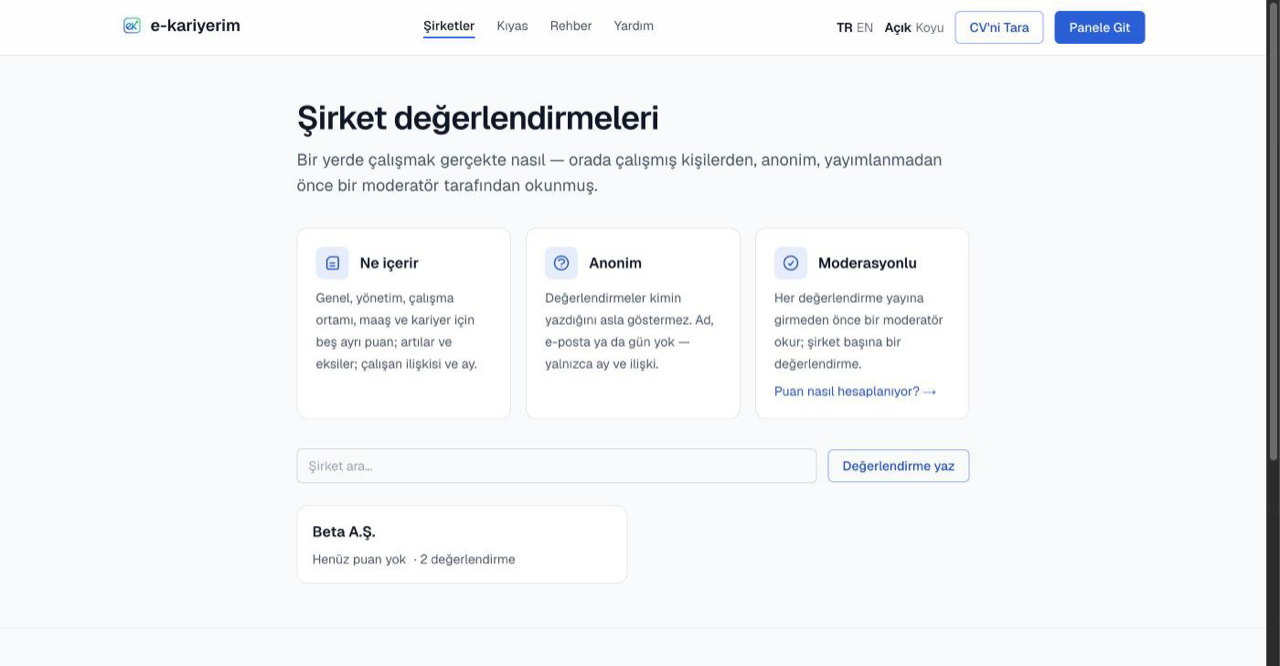
Reading reviews
- 1
Open the Companies page
The Companies link in the top menu lists every company with at least one published review; the search box finds one by name.
- 2
Open a company page
At the top: the overall score, the averages of up to ten areas (work environment, management, career, work-life balance, pay, benefits, remote work, tools, hiring, onboarding), the star distribution and the statements picked most often; below them, the reviews. Sort by newest or most helpful.
- 3
Know how to read the score
A score appears only once enough reviews are published; until then the page says how many are still needed. An area average appears once enough people rated that area — until then you see the vote count. Every number carries the count it is based on.
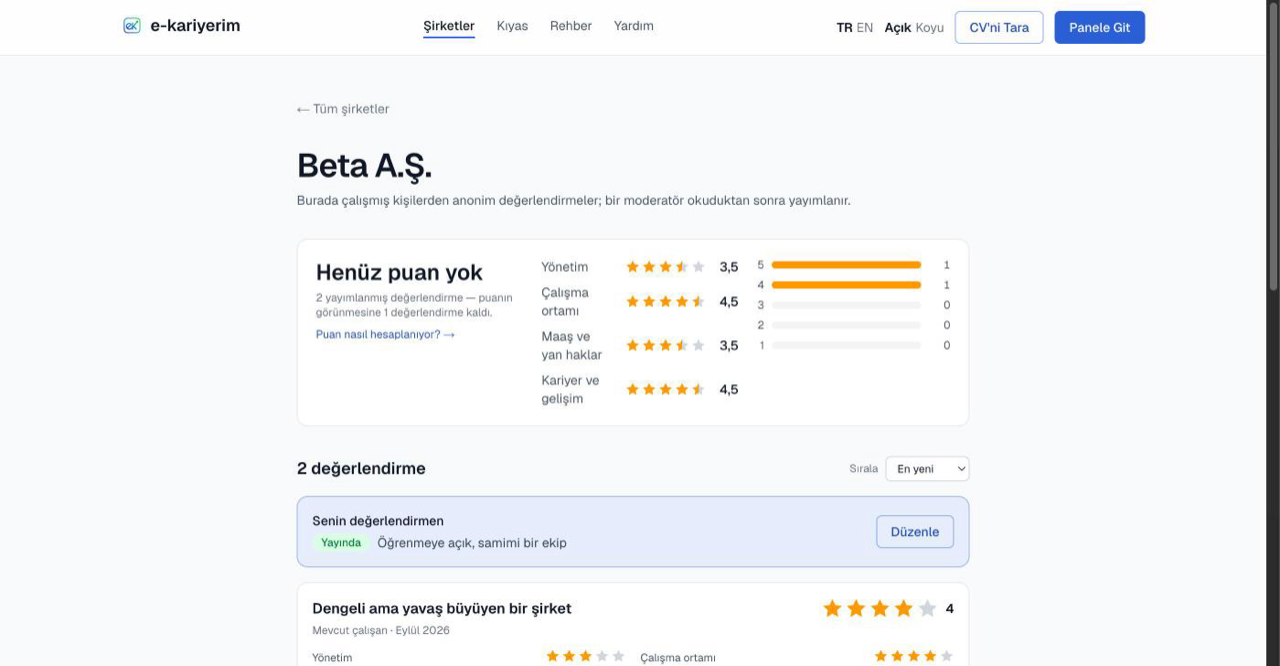
Writing a review
- 1
Sign in
Writing a review needs an e-kariyerim account; reading does not. The "Write a review" button on a company page takes you to sign-in first, then to the form.
- 2
Pick the company
Choose the company from the list in the form. If it is missing, type its name to add it; an added company also shows up in other people's search.
- 3
Rate, and pick statements if you like
Your relationship with the company (current employee, former employee, intern) and an overall 1–5 rating are all that is required. Ten more areas can be rated or left blank. Once you rate an area, the form offers ready-made statements about it — pick up to five you liked and five that could be better. There is nothing to write.
- 4
Publish
Your review is published the moment you save it and appears on the company page and under My contributions. Readers can report it; if a moderator takes it down, the reason is on the My contributions page.
The "Accepted application" label
This label next to a review says its author tracked an application to that company on e-kariyerim that ended "accepted", added at least 14 days before the review. Only an accepted application counts: having applied somewhere does not show you worked there. The label does not verify what the review says and does not show which application it is. Your own reviews show whether they carry it on the My contributions page.
Reviews are anonymous
No free text, one review per company
Editing and deleting
The My contributions page shows the status of each of your reviews (published, pending, not published) and the moderator's note, if any; your salary entries and candidate experiences are on the same list, newest first. Edit changes the ratings and the statements; Delete removes it entirely, and a deleted review also drops out of the company's score.
If you see a review that breaks the rules
Use the "Report this review" link on any review card, pick a reason and leave a short note. Reports are looked at by a moderator; the review may stay up, the author may be asked to change it, or it may be removed. The "Helpful" mark feeds the sorting; neither a report nor a helpful mark reveals your identity to anyone else.